Decide what visitors need to find
Start with a short list of pages that matter to visitors, not just pages your organization wants to promote. For a community group, these might include opening hours, eligibility for a service, volunteer opportunities and contact details. Pick three to five destinations for one check. If everything is treated as a priority, it becomes harder to tell whether the navigation supports the most common needs.
Turn each destination into a task phrased in the visitor’s own terms. Instead of saying, “Find the Services page,” try, “You want to know whether this organization can help with your situation. Where would you look?” Avoid repeating the wording of a menu label in the task: that gives away the answer. Decide in advance which page or pages would satisfactorily answer each question, especially if the same information appears in more than one place.
Ask people who have not learned your site
Someone who updates the website already knows where things live. Ask a few people who are unfamiliar with it to try the tasks individually. They do not need specialist testing experience. Where possible, include people who resemble your intended visitors and use different devices. A quick check with a few participants can reveal confusing labels, though it cannot tell you how every visitor will behave.
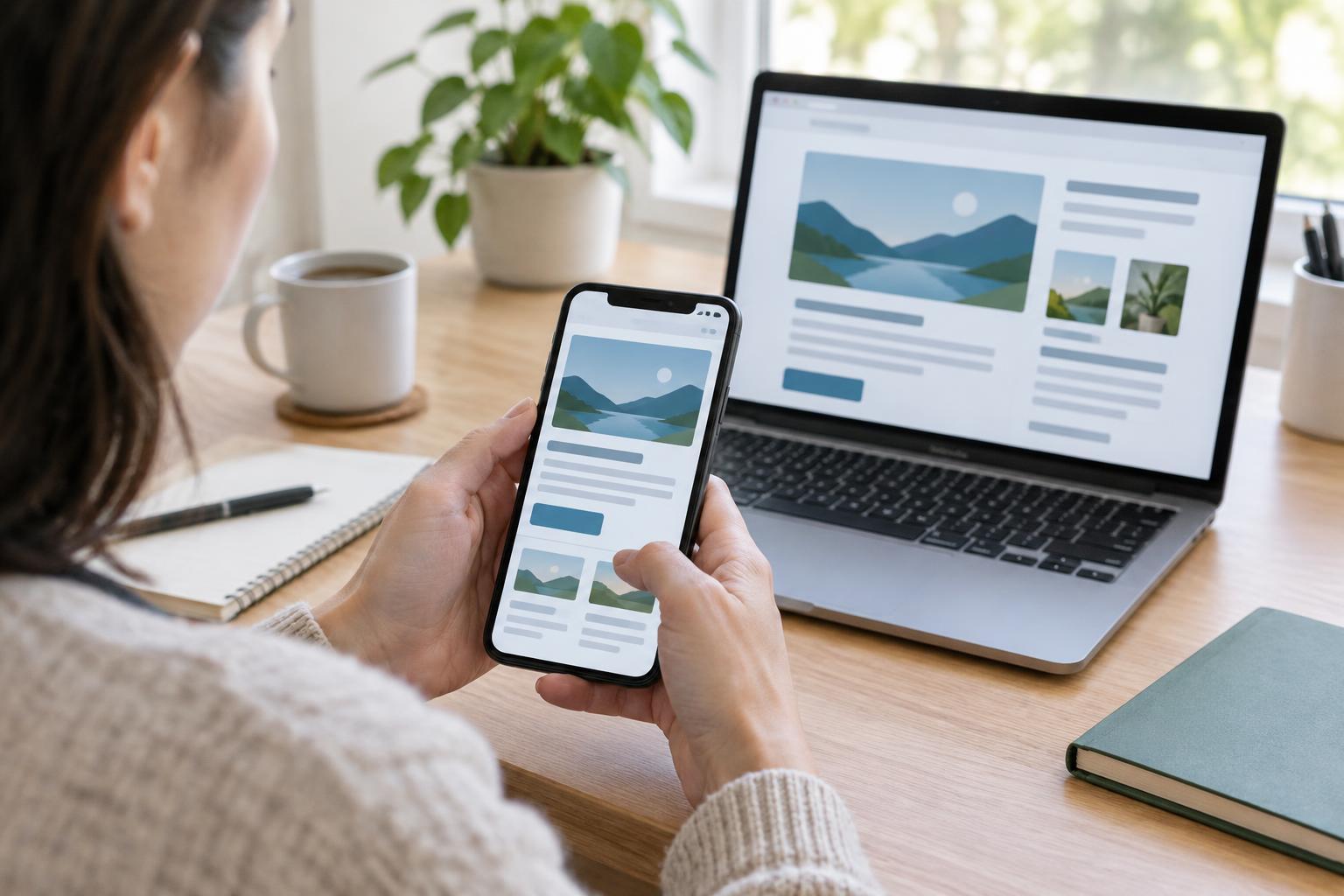
Give each person the same starting point, such as the homepage, and one task at a time. Ask them to say what they expect to find when they choose a menu item. Do not guide them toward an answer or explain how the site is organized. If they get stuck, note where that happened before moving on. You can run this as a short screen-sharing session or sit beside someone as they use their own device, with their permission.
Watch the route, not just the result
Record whether the person found a useful answer, where they clicked first, any labels they hesitated over and whether they had to backtrack. Note the device and starting page too. A person who eventually reaches the right page after several wrong turns has shown you something different from someone who finds it directly. Keep notes about what you observed separate from your guesses about why it happened.
Pay attention to obstacles outside the menu itself. A mobile menu button may be hard to notice, a page title may not match the label that led to it, or an important link may disappear into a long page. If someone uses a keyboard, check whether they can reach and operate the navigation and tell which item has focus. These observations help distinguish a naming problem from an interaction or page-design problem.
Look for patterns and make focused changes
After the sessions, group notes by task. If several people look under “About” for service eligibility while the information sits under “Programs,” the label or grouping may not match their expectations. If only one person takes an unexpected route, keep the observation in mind rather than redesigning the entire menu around it. Look for repeated confusion and for failures that block an important action.
Choose the smallest change likely to help. You might replace an internal term with a familiar one, move a key link into a clearer group, or add a direct link from a relevant landing page. Keep labels distinct: “Get Help” and “Support” placed side by side may leave visitors guessing unless each has a clear purpose. Before changing several things at once, write down what you expect each change to improve so you can check it afterward.
Check again and keep the path useful
Repeat the same tasks with people who have not seen the revised navigation. Compare their routes with your earlier notes, but avoid treating a tiny number of sessions as a precise success rate. If you use website analytics, they can show where visitors enter, which pages they view and where they leave; they cannot reliably tell you what a person was trying to find. Use those patterns to choose questions for further checking, not as proof that a label works.
Navigation is only the start of the journey. Once visitors reach a page, make sure its heading confirms they are in the right place and its next step is easy to identify. Revisit your tasks when services, audiences or page names change. A brief check after an update is easier than waiting until visitors report that they cannot find something essential.