
Website Security BasicsA staging site lets a small organization test website changes before visitors see them. It can also expose unfinished pages, outdated software or copied customer information if left unmanaged. Use this practical workflow to decide what belongs on staging, control access and remove old test environments.
Read article · 3 min↗

Website Security BasicsWebsite access logs can help a small team notice repeated login attempts, unexpected requests and bursts of errors. Learn what to look for, how to avoid false alarms and what to do when a pattern needs attention.
Read article · 4 min↗

Website Security BasicsAnalytics, chat widgets and embedded tools can be useful, but their scripts also add code you do not fully control. Learn how to inventory, assess, limit and monitor third-party scripts with a manageable routine for a small organization.
Read article · 4 min↗

Website Security BasicsA contractor may need to edit a page, fix a form or update a website theme, but they should not need your password. Use a separate account, limit its permissions, agree on a clear end date and remove access when the work is done.
Read article · 4 min↗
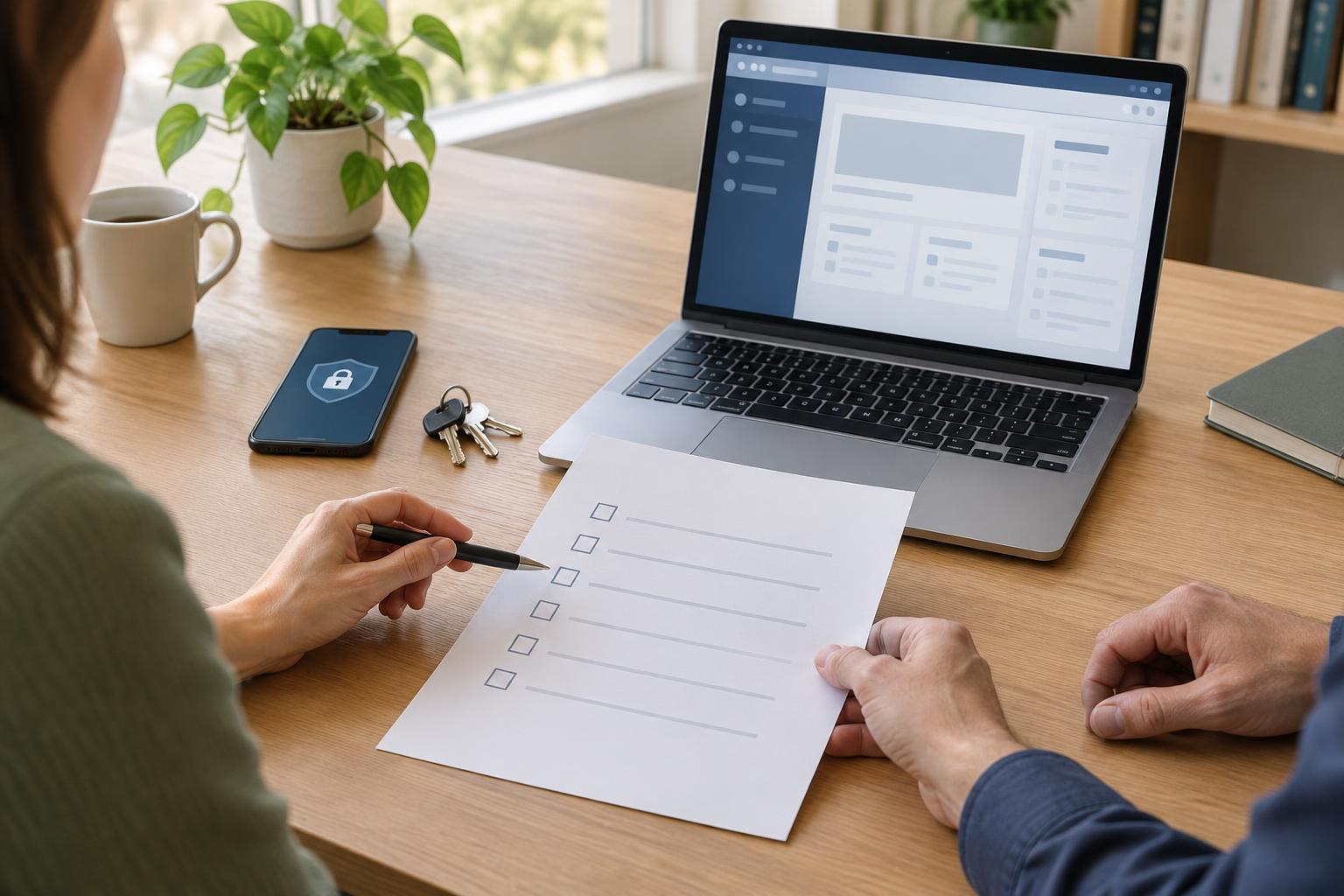
Website Security BasicsA practical offboarding workflow for small organizations: identify website-related access, secure critical accounts, transfer work safely, and check that the site still functions.
Read article · 4 min↗

Website Security BasicsA suspected website hack can feel urgent and confusing. This practical first-response guide helps a small organization limit harm, preserve useful evidence, contact the right people, restore the site carefully, and reduce the chance of a repeat incident.
Read article · 4 min↗

Website Security BasicsA compromised website does not always announce itself with a dramatic error. Learn how to spot suspicious changes in pages, search results, accounts and site performance, then take measured steps to protect visitors and investigate.
Read article · 4 min↗

Website Security BasicsAutomated login attempts are common, but a layered approach can make them less likely to succeed. Learn how to identify the login routes that matter, strengthen accounts, slow repeated attempts and respond to suspicious activity without making sign-in unnecessarily difficult for real users.
Read article · 4 min↗

Website Security BasicsYour domain registrar and DNS accounts control where people find your website and email. This guide offers a practical workflow for securing access, reviewing settings, approving changes and preparing for recovery.
Read article · 4 min↗

Website Security BasicsContact, booking and signup forms can leave copies of personal information in more places than a website dashboard. This guide shows small organizations how to map those copies, choose practical retention periods, set up deletion routines and check that the rules work.
Read article · 4 min↗

Website Security BasicsA practical workflow for small organizations that collect names, email addresses and other details through website forms. Learn how to ask for less, protect submissions, limit access and remove information when it is no longer needed.
Read article · 4 min↗

Website Security BasicsHTTPS helps protect information as it travels between a visitor’s browser and your website, but it does not make every part of a site secure. Learn what the padlock does and does not mean, how to inspect a certificate, and how to build a simple checking routine.
Read article · 4 min↗

Website Security BasicsA backup is only useful if you can turn it into a working website. This practical guide shows small organizations how to run a safe restore test, check the result and record what to improve.
Read article · 4 min↗

Website Security BasicsA website backup is useful only if it contains what you need and can be restored when something goes wrong. Learn how to set a practical schedule, store copies away from your website, and test the recovery process.
Read article · 4 min↗

Website Security BasicsA plugin or theme can solve a real website problem, but it also adds code, maintenance work and potential risk. Use this practical review process to decide whether an add-on is necessary, trustworthy and suitable for your site before you install it.
Read article · 4 min↗

Website Security BasicsUpdates help keep a website secure and working, but applying several at once can make problems hard to trace. This practical workflow covers preparation, backups, testing, careful installation and post-update checks for small teams.
Read article · 4 min↗
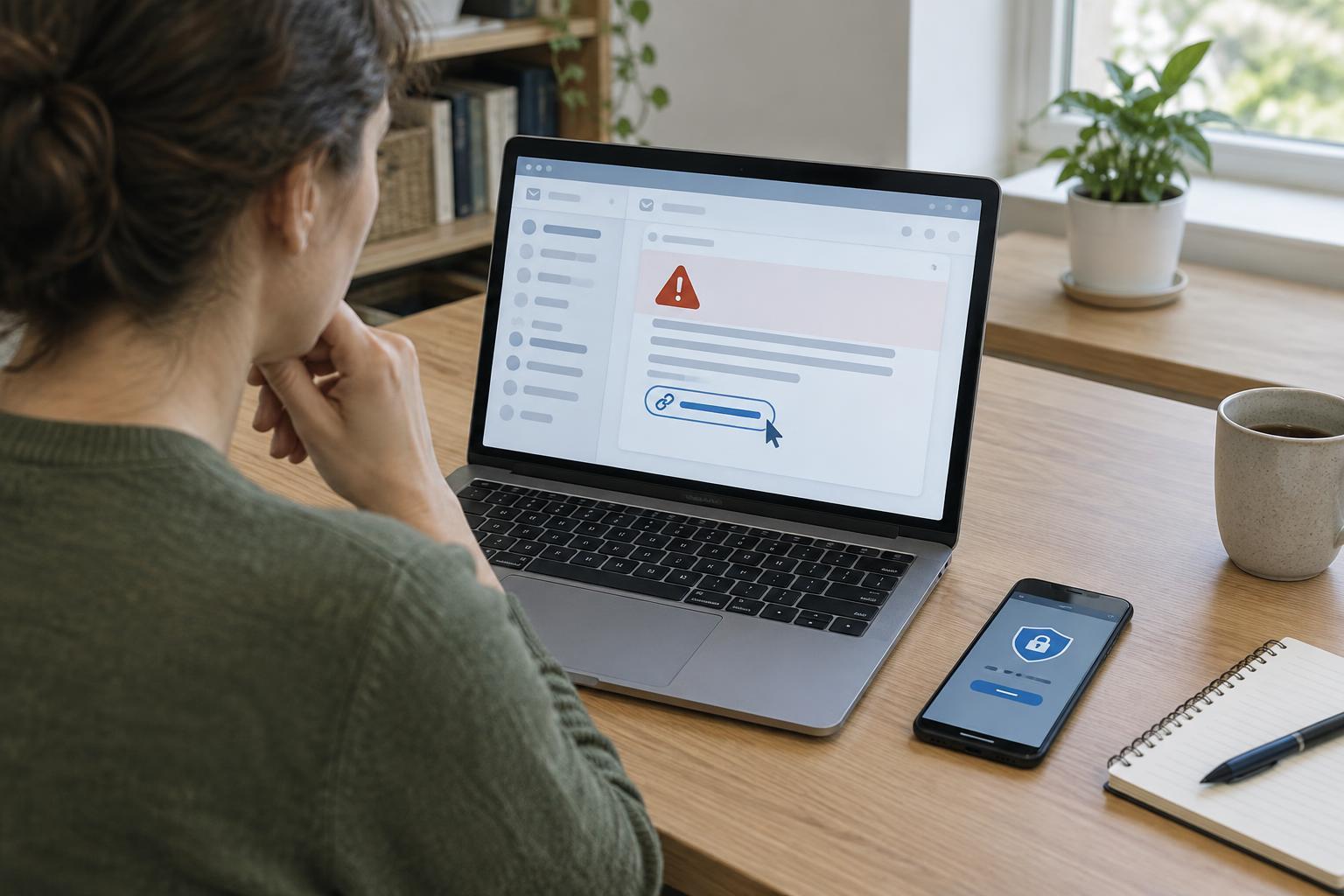
Website Security BasicsWebsite administrators receive messages about domains, hosting, plugins and account access. Learn how to spot suspicious requests, verify alerts without using their links, and respond if someone has already clicked.
Read article · 4 min↗

Website Security BasicsA small team may need access to its website, domain, hosting, analytics and other services. A password manager can make that access easier to organize without relying on reused passwords or an old spreadsheet. Here is a practical workflow for choosing a shared vault, granting access, handling recovery and removing access when roles change.
Read article · 4 min↗

Website Security BasicsA practical workflow for protecting the accounts behind a small organization’s website. Learn which logins to secure, how to choose an authentication method, how to set it up and how to keep recovery options usable.
Read article · 4 min↗

Website Security BasicsWebsite account permissions are easier to manage when each person has a clear role. Use this practical workflow to assign access, handle temporary needs, and review permissions as responsibilities change.
Read article · 4 min↗

Website Security BasicsA small organization does not need a complicated audit to start finding website security risks. Map what the site depends on, check who can access it, look for neglected software and sensitive data, then rank what you find by likely impact and ease of repair.
Read article · 4 min↗