Start with the page’s purpose
Typography helps people find information, understand it and act on it. Before adjusting a font size, identify what visitors need to do on the page. A service page might need a clear summary, scannable details and an easy-to-find contact option. A long guide needs comfortable paragraphs and headings that show where each topic begins. These pages can share a type system without using identical layouts.
Choose a small set of text roles before styling individual elements: page title, section heading, body text, supporting text and button or link text. Apply each role consistently. If every paragraph, card and button has a slightly different size, visitors must work harder to recognize what matters. Consistent roles also make future pages easier to build and maintain.
Set body text for comfortable reading
Body text is a useful place to begin because it carries most of the information. For many websites, 16 pixels is a reasonable starting size, not a universal target. The font itself, its weight and the available screen space affect how large it feels. Check a real paragraph on a phone as well as a desktop screen; a size that looks tidy in a design mock-up may feel cramped in use.
Make headings noticeably distinct from body text without relying on size alone. Weight, spacing and placement can help establish hierarchy. Keep supporting text readable too: captions, form hints and error messages should not become so small or faint that visitors struggle to use them. Avoid putting essential instructions in decorative text or in an image, where people may be unable to resize or select them.
Use relative sizing in the site’s styles so text can respond to a visitor’s browser settings. Check that pages still work when text is enlarged or the browser is zoomed in. The goal is not to preserve the original layout at all costs; it is to keep the content available without overlapping text, clipped buttons or hidden form fields.
Keep lines easy to follow
Line length is the width of a text block, not the width of the entire page. Very long lines can make it difficult to find the start of the next line. Very short lines can interrupt the reading rhythm. For ordinary paragraphs, roughly 45 to 75 characters per line is a useful range to test, rather than a rule every device must meet. Font choice and type size will change how many characters fit.
On a wide desktop screen, limit the width of the main reading column instead of stretching paragraphs from edge to edge. On a phone, allow the column to use most of the screen while leaving enough side padding that letters do not touch the edges. For example, a community group’s volunteer page might place its introduction in one comfortable column, even if nearby cards use more of the available width.
Judge line length using actual page content. A short placeholder sentence will not reveal the problems that appear in a detailed explanation, a long link or a translated label. If a layout feels narrow or wide, adjust the text container and review it at several screen widths rather than forcing manual line breaks into paragraphs.
Use spacing to show relationships
Line spacing gives each line room to be read. A line height around 1.4 to 1.6 times the body text size can be a practical starting point for paragraphs, but the right value depends on the font and line length. If lines look crowded, increase it gradually. If they seem disconnected, reduce it. Headings often need a different balance because they are larger and usually shorter.
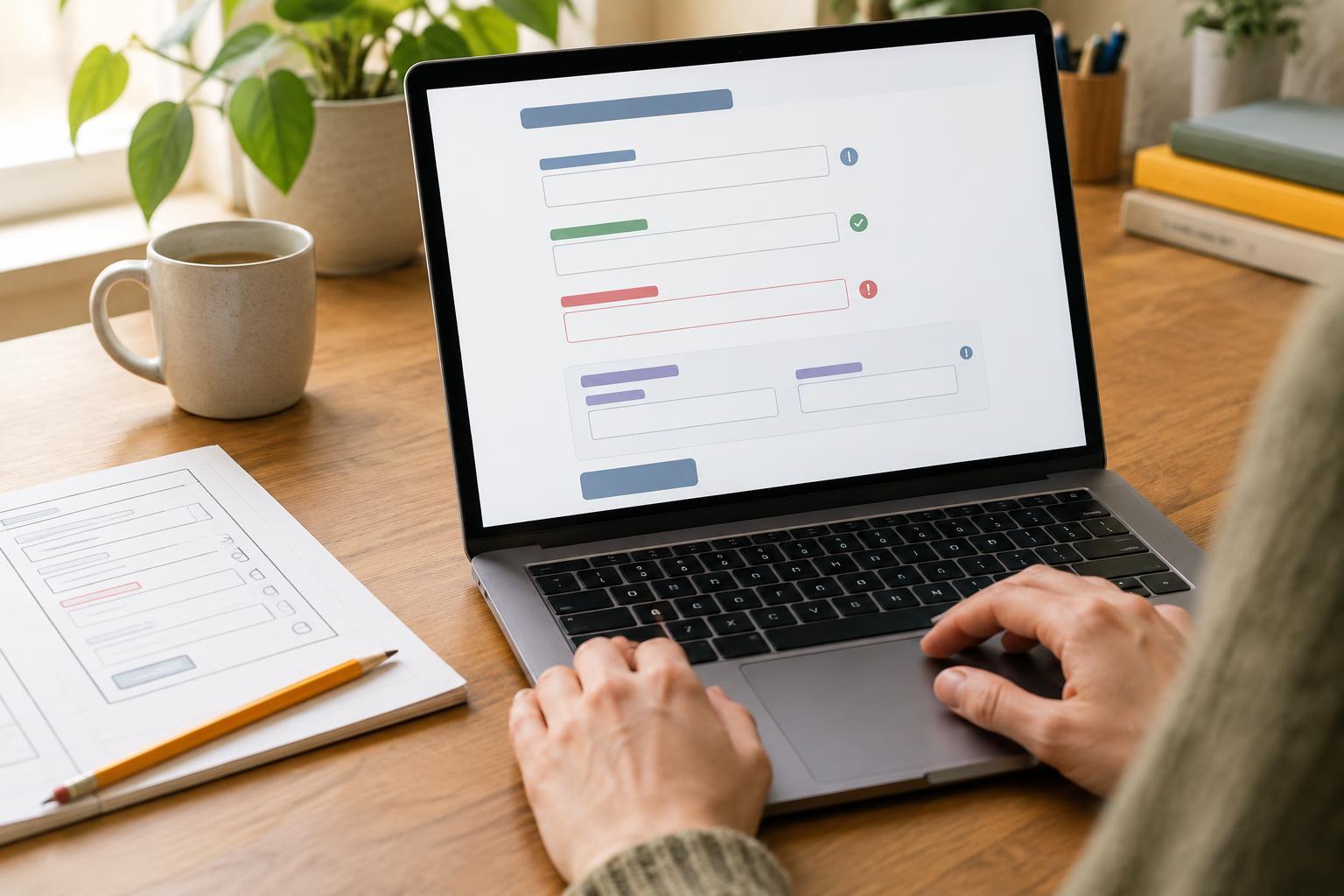
Spacing between elements communicates structure. A heading should usually sit closer to the paragraph it introduces than to the content above it. Separate paragraphs enough to make them distinct without turning each one into an isolated block. In forms, keep labels and their fields visibly connected, and leave enough room between groups of fields to prevent confusion.
Avoid using spaces, repeated line breaks or empty paragraphs to create a layout. Set spacing through reusable styles instead. This makes the relationships more consistent when text wraps differently on smaller screens or when someone enlarges it.
Test with real pages, then refine
Pick two or three representative pages: perhaps a long article, a service page and a form. Read each one on a phone and a larger screen. Scan for the main action, then read a full paragraph rather than judging the page at a glance. Enlarge the text or zoom the browser and check whether headings, links, labels and error messages remain clear and usable.
Make one change at a time so its effect is easy to assess. If a paragraph is tiring to read, first check whether the column is too wide, the text too small or the lines too close together. If visitors might miss a form hint, improving its placement may help more than making every word on the page larger. Record the type sizes, widths and spacing choices that work, then use them as a shared starting point for new pages. Readable typography is less about finding one perfect number than about making dependable choices and checking them in context.