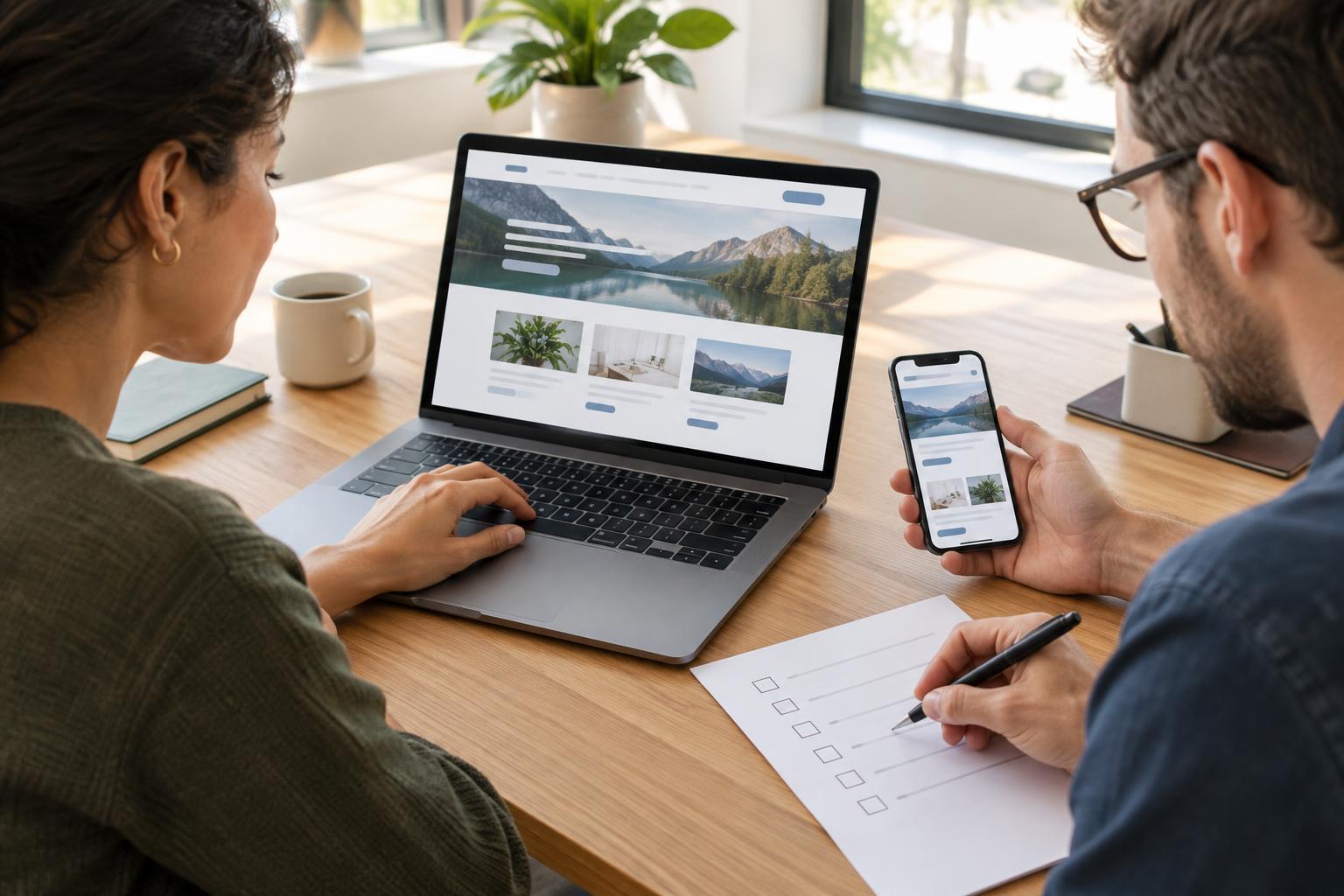
Agree on what is ready to test
Testing works best when the team knows what the website is meant to do. Before inviting reviewers in, write down the main visitor tasks: finding opening hours, understanding a service, making an enquiry or registering for an event. Pair each task with the pages and forms a visitor would use. This gives reviewers a more useful question than “Does the site look good?”
Set a short test window and name one person to coordinate feedback. Agree which version of the site is under review, which content is final enough to check and what is outside the launch scope. For example, a small charity might test its donation enquiry form now while leaving a planned news archive for a later release. Keeping that boundary visible prevents new ideas from being mistaken for launch defects.
Give reviewers specific jobs
Divide the work so important checks have an owner. A content reviewer can verify names, contact details, links and calls to action. A service owner can check whether explanations are accurate and complete. Someone less familiar with the project can try common visitor tasks without coaching. The person responsible for the site can check layouts, forms and settings across the devices and browsers the team can reasonably access.
Ask reviewers to record what they tried, what happened and what they expected instead. “The contact form failed” is hard to investigate; “On a phone, I submitted the contact form with the email field blank, but no error message appeared” is actionable. Include the page and, when helpful, the device or browser. Put findings in one shared list rather than collecting separate email threads.
Test complete journeys, not just individual pages
Start at a likely entry point, such as the home page or a service page, and follow a task through to its end. Can a visitor understand the next step, reach the right form, complete it and recognize that it was submitted? Check what happens when required information is missing. If a form sends a notification, confirm that it reaches the intended inbox and that someone knows who will respond.
Include basic accessibility checks in these journeys. Try navigating by keyboard, look for visible focus indicators and make sure links and buttons have understandable labels. Check that text remains readable when enlarged, images that convey information have useful alternatives, and form errors explain how to fix the problem. These checks do not replace a full accessibility review, but they can reveal barriers before launch.
Check the details behind the experience
Reserve a pass for items that visitors may not notice until they fail. Check navigation menus, downloads, internal links, page titles, search previews where available, and the site’s most important contact details. View key pages at narrow and wide screen sizes. If the site has several similar pages, use a checklist so a repeated omission, such as a missing heading or outdated phone number, is easier to spot.
Also verify the launch setup. Confirm that the intended people have access to update the site, unused accounts are removed, software and plugins are maintained, and backups have an owner and a way to be restored. If measurement is part of the plan, test a few meaningful actions, such as a form completion, and check that the team knows how to interpret them. Avoid collecting personal information that is not needed for the task.
Turn feedback into a clear launch decision
For each reported issue, assign an owner and mark whether it blocks launch, should be fixed soon or can wait. A broken primary enquiry form is usually a blocker; a minor spacing difference may not be. After a fix, have someone retest the original steps rather than assuming the change worked. Keep a record of deferred items so they remain visible once the launch rush is over.
Sign-off should be a decision, not a vague sense that everyone has seen the site. Ask the responsible content and technical owners to confirm what they reviewed, which blockers are closed and which known issues are accepted. Record who approved launch and when the team will check the live site. Once it is published, repeat the essential journeys on the live address: links, forms, notifications and measurement can behave differently after the move.