Start with the reader’s next question
An internal link takes someone from one page of your website to another. Its value is not simply that it creates another route through the site. A good link helps a reader continue a task: understand an unfamiliar term, compare options, find instructions, or take an appropriate next step. Before adding one, ask what someone reading this page might reasonably need next.
For example, a community organization’s article about joining a volunteer program might mention training. A link from that mention to a page explaining the training process would answer a likely question. A link to an unrelated news post would be less useful, even if the organization wants more people to see it. Treat relevance to the reader as the first test.
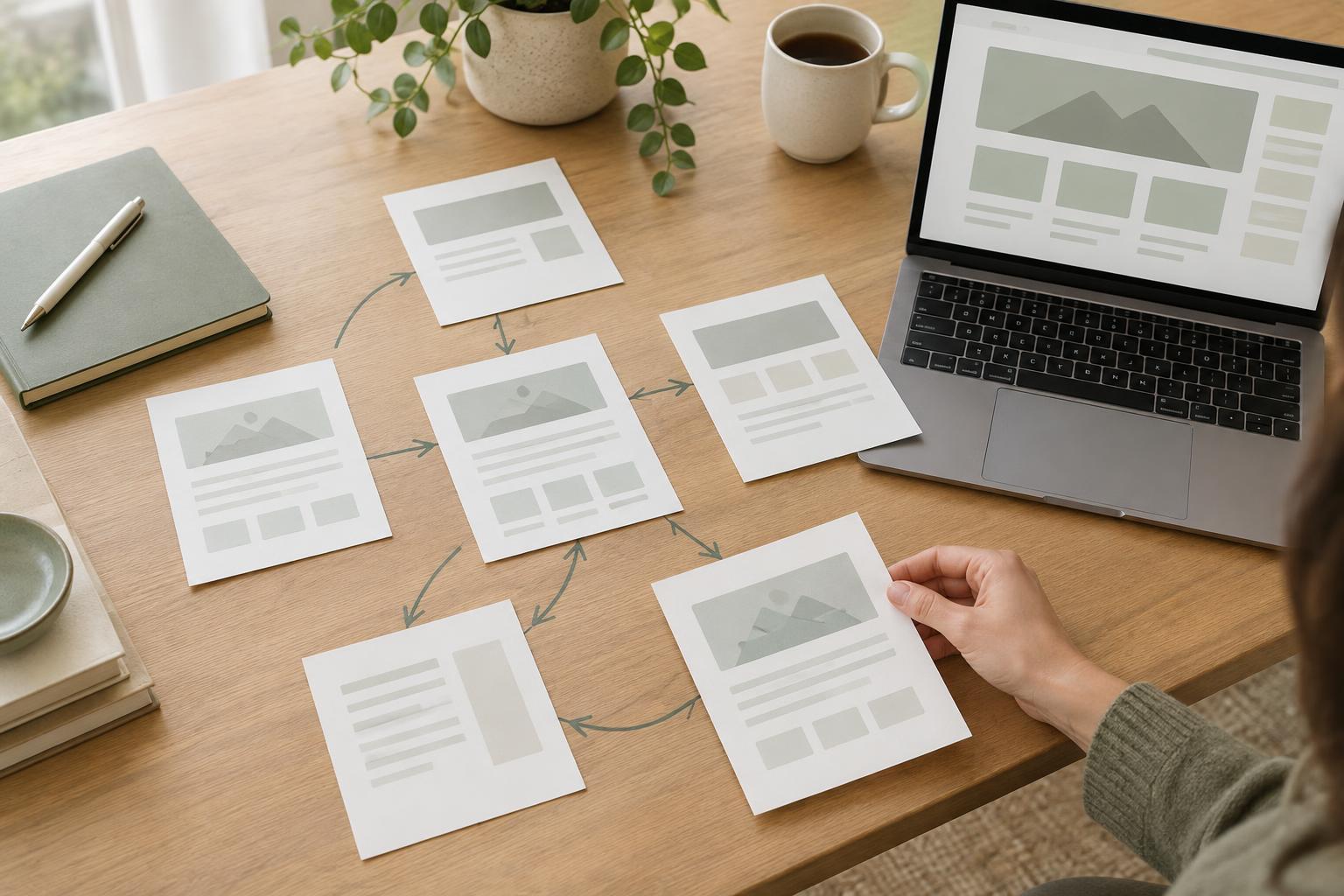
Make a small map of your content
You do not need a complex tool to plan links. List your main pages in a spreadsheet or document, with a short note describing the question each page answers. Group pages by subject and mark the pages that introduce a topic, explain a detail, or help someone act. This makes it easier to spot useful connections and pages that are hard to reach.
For each important page, identify a few possible next steps. A page explaining a service might lead to eligibility details, a preparation checklist, and a contact page. A detailed checklist might link back to the broader service explanation for readers who arrived directly from a search or shared link. These connections do not have to be perfectly symmetrical: add each link where it makes sense in that page’s context.
If two pages seem to answer the same question, decide whether they have distinct purposes before linking them heavily. You may need to clarify their titles, combine overlapping material, or explain the difference between them. Internal links can guide readers through well-organized content, but they cannot repair confusing content on their own.
Write links that explain the destination
The clickable words should give readers a reasonable idea of what they will find. Instead of “click here” or “learn more,” use wording such as “read the volunteer training checklist.” Descriptive link text helps people scanning a page and people using screen readers decide whether to follow the link. Keep it concise and natural within the sentence rather than repeating a long page title every time.
Place a link near the idea it expands upon. If a paragraph says applicants need to prepare documents, link the phrase that names the relevant preparation guide. Avoid adding the same destination to every mention of a topic; one well-placed link is usually easier to use than several repetitive ones. If a related page does not fit naturally in the body, a short “Related information” area at the end can provide a clear alternative.
Check the destination as well as the wording. The linked page should deliver what the link promises, not force the reader to search again. If the destination is a form, a downloadable file, or another format that may surprise someone, make that clear in the surrounding text.
Add links during your publishing workflow
Make internal linking a brief step before publication. After drafting a page, identify its main purpose and likely reader questions. Review your content map for pages that answer those questions, then add links where they support the text. Finally, open each link and read its destination to confirm that it still matches the promise in the link text.
When you publish a new page, also look for older pages that could usefully point to it. Suppose you create a guide to preparing for a first appointment. The service overview and booking instructions may both benefit from a link to that guide. Updating those existing paths helps readers discover the new page without depending on the homepage or site navigation to do all the work.
Review links as your site changes
Pages move, services change, and once-helpful links can become misleading. Set a manageable review routine, such as checking links while updating each page’s content. Pay particular attention to high-use pages, pages with frequent changes, and links that point to forms or instructions. If a page is removed, update links to it with the most relevant replacement rather than automatically sending everyone to the homepage.
Simple measurement can help you choose what to review, but it should not replace judgment. If your website tools show that many readers leave a page without taking an expected next step, check whether that step is clear and whether the linked page meets their needs. Low link use does not always mean a link is wrong; the reader may have found the answer already. Aim for a small network of dependable, purposeful links that makes useful information easier to find.