Start with page purposes, not page designs
Reusable templates help a small team keep its website consistent without making every page look identical. A template is a planned structure for a type of page: it defines where elements such as the title, main content, images and next steps belong. The goal is to reuse decisions that work, while leaving room for the information each page needs.
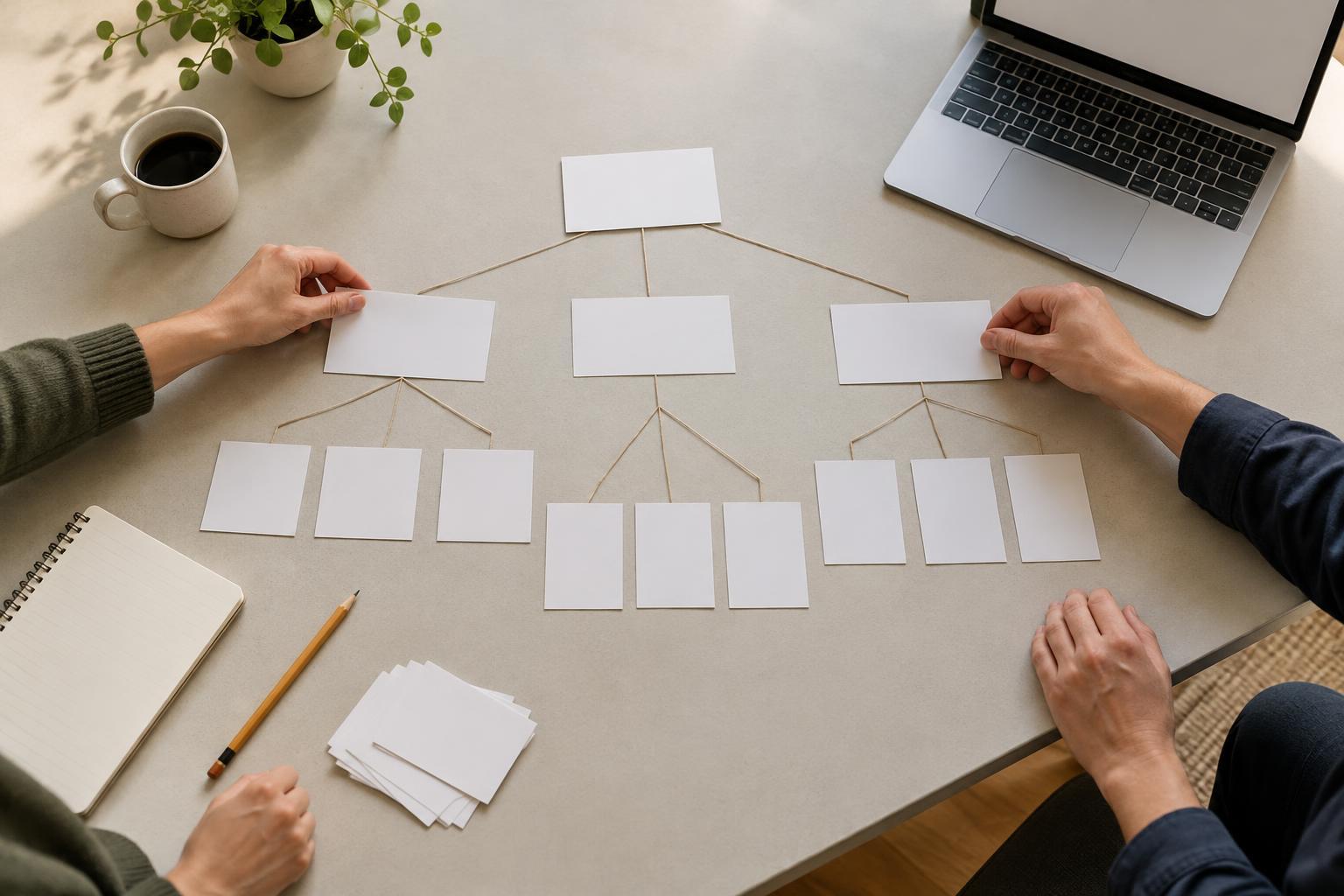
Begin by listing the pages you have or expect to create soon. Next to each one, write the visitor’s likely task and the action the organization hopes they will take. A community group might have pages for its mission, programs, events, volunteering and contact details. Although those are five topics, they may need only three templates: an overview, a detailed information page and an event page. Group pages by what visitors need to do, rather than by department name or how a page looks today.
Define a small set of flexible templates
For each group, sketch the essential parts in the order a visitor is likely to need them. An overview page might introduce a topic, link to related pages and offer one clear next step. A program detail page might explain who the program is for, what happens, practical details and how to enquire. An event page may need a date, location, accessibility information and registration instructions. These differences are useful; forcing all three into one rigid layout would make important details harder to find.
Separate required fields from optional ones. Every program page might need a title, short introduction, main description and contact route. A photograph, testimonial or frequently asked questions area could be optional. If an optional area is empty, the page should still make sense without a blank space or a placeholder message. Keep the number of optional blocks manageable: too many choices can make publishing slower and lead to inconsistent pages.
Write down a few rules that an editor can follow. For example: use the introduction to say what the page covers; use headings that describe the sections below them; and reserve the primary action area for the most useful next step. These rules make the template more than a visual mock-up. They help someone create a good page later without having to ask the original designer what to do.
Plan for real content and accessible use
Test each sketch with content that resembles what the team actually has. Try a short title and a long one, a page with no image, and a page with several practical details. If a design only works with a perfectly sized headline and a polished photograph, it is not yet a reliable template. Decide how images will be cropped and when they are worth using. A useful image should support the page’s purpose, not occupy a required slot simply because the template has one.
Build accessibility into the structure. Plan a clear page title, a logical heading order, descriptive link text and enough context around buttons so their purpose is apparent. Check that the reading order still works on a narrow screen and that essential information is available as text rather than embedded in an image. If a page contains a form, plan visible labels, helpful instructions and understandable error messages. These choices are easier to make before a template is copied across many pages.
Prototype one page of each type
Before filling the whole site, build or mock up one realistic example of each template. Ask a colleague who was not involved in planning to find an answer or complete a task. Can they tell who a program serves? Can they find the event location? Is the contact route obvious? Note where they hesitate, then adjust the template or its content guidance. A quick review of a few representative pages is more useful than approving a layout filled with generic placeholder text.
Also test the editor’s workflow. Have the person who will maintain the site add or update a sample page. Check whether field names are clear, required information is easy to identify and optional areas are genuinely easy to omit. If someone has to work around the template to publish an ordinary page, revise the template before making more pages with it.
Keep the system small and review it as the site grows
Record which pages use each template and why. This gives future editors a starting point when they create a page and helps the team spot unnecessary duplicates. When a new page does not quite fit, first ask whether an existing template needs a modest improvement. Create a new template when the page has a recurring purpose or a substantially different set of information, not just because one page needs a different image or heading.
After launch, review templates alongside the pages people actually maintain. Look for fields that are routinely left empty, sections editors repeatedly reorder, or information visitors struggle to locate. Those patterns can guide small improvements. A good template system is not fixed forever; it is a compact set of useful defaults that makes the next page easier to create and easier to use.