Start with a decision you need to make
A usability test asks someone to try a website while you watch how they work toward a goal. It can help a small organization spot unclear labels, missing information, confusing forms, or steps that take more effort than expected. The aim is not to judge the participant or prove that the site works. It is to learn what the site makes easy and what it makes difficult.
Choose a narrow question before arranging sessions. For example, a community group might want to know whether a first-time visitor can find an upcoming event and learn how to attend. A service provider might want to see whether someone can identify the right service and request an appointment. Testing a few important journeys is more manageable than asking participants to explore the whole site. Write down what you hope to improve so the test produces observations you can act on.
Write tasks that sound like visitor goals
A useful task gives a person a reason to use the site without telling them which link to click. Instead of “Open the Events menu and select Workshops,” try “You would like to attend a beginner workshop next month. Find out what is available and how you would sign up.” This lets you see whether the navigation and page content guide them naturally. Use plausible details, but avoid tasks that require participants to enter real payment details or share sensitive personal information.
Prepare three or four tasks that reflect common or important visits. Include a clear point at which each task is complete, such as finding eligibility requirements or reaching the page where a booking could begin. Note the expected route privately, but remain open to other successful routes. If your site serves people using different devices or assistive technology, consider how you can include those experiences rather than assuming one desktop setup represents everyone.
Invite participants and make the session comfortable
Invite people who resemble the visitors you want to support, especially people who are not already familiar with your site. A handful of individual sessions can reveal useful issues, but it cannot establish how often an issue affects your entire audience. If you only test with staff or volunteers, treat their familiarity as a limitation. Ask participants which device they would normally use and, where practical, let them use it.
Plan a short session with time for an introduction, the tasks, and a few closing questions. Explain that you are testing the website, not their abilities, and that they may stop at any point. Ask permission before recording a screen or taking identifiable notes, and explain how you will use and store what you collect. Offer any reasonable adjustments participants request, such as extra time or the use of their preferred browser or assistive technology. A calm setup makes it easier to see how the site works in conditions closer to ordinary use.
Observe without steering
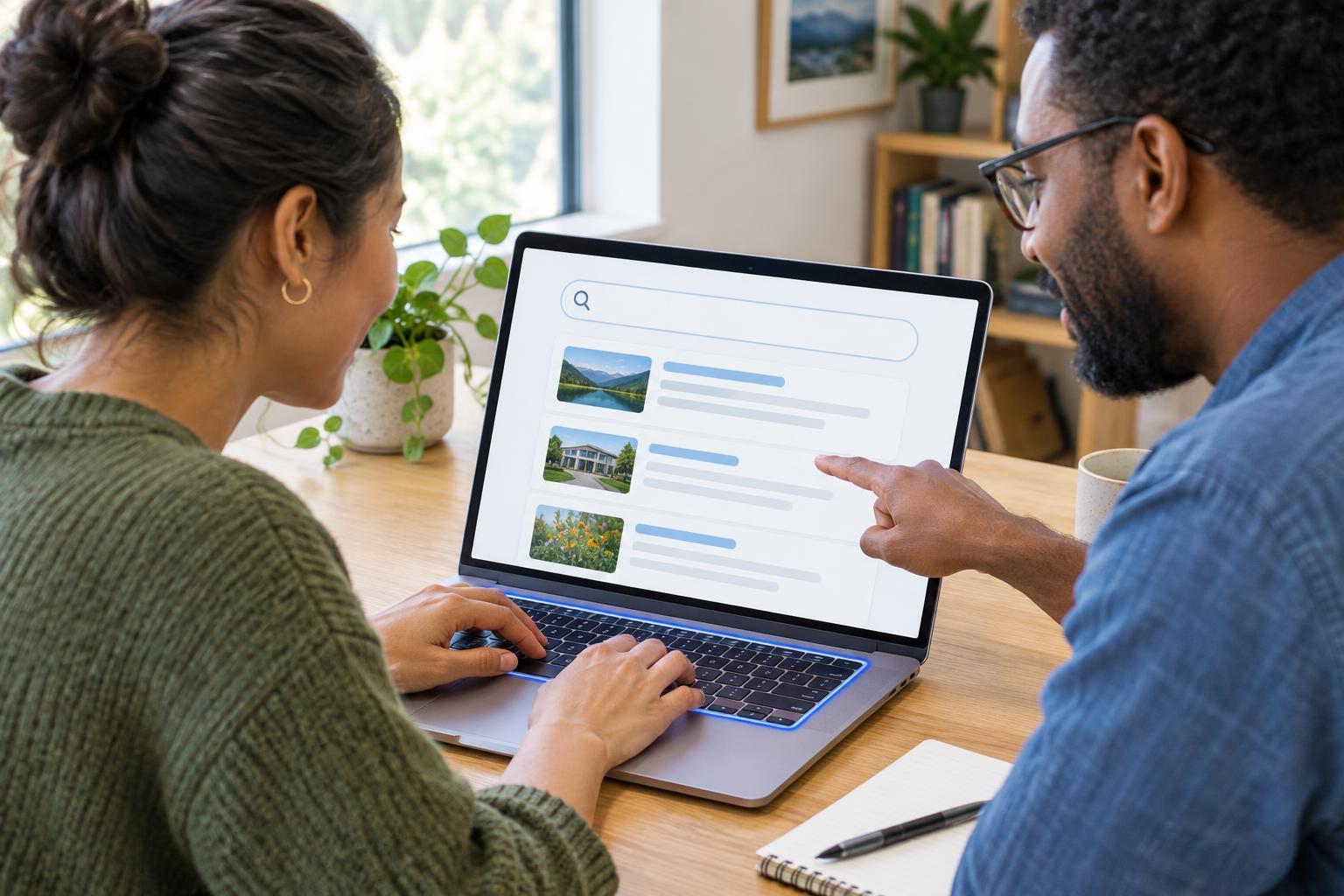
Give one task at a time, then allow the participant to choose their own path. You can invite them to describe what they are looking for and what they expect a link to do, but do not require a constant spoken commentary. If they pause, wait briefly rather than filling the silence with a hint. Neutral prompts such as “What are you looking for now?” are more useful than “Did you see the button at the top?” If they become stuck, note where that happened before offering enough help to move on.
Record observable details: the page they started on, the words they looked for, a label they misunderstood, a step they repeated, and whether they reached the task goal. Separate these from your interpretation. “Participant searched the footer for opening hours” is an observation; “The navigation is bad” is a conclusion that needs more thought. After each task, ask what felt straightforward and what they expected to happen differently. Their answers add context, but their actions may reveal obstacles they did not mention.
Turn observations into small improvements
Review your notes soon after the sessions. Group similar difficulties by task or page, then consider their impact. A participant struggling to find a primary contact route may point to a more urgent problem than a minor wording preference. Look for patterns, but do not dismiss a serious barrier simply because you saw it once. Describe each issue in terms of the visitor goal, the observed difficulty, and a possible change: “People seeking workshop dates overlooked the link labeled Programmes; try a clearer label near the event introduction.”
Choose changes your team can make, assign an owner, and keep a brief record of what changed and why. Some fixes may be as simple as rewriting a heading; others may need a form or navigation redesign. Once a change is in place, try the relevant task again with someone who has not seen the revised page. A small usability test is most valuable when it becomes a repeatable workflow: choose a visitor goal, watch someone attempt it, make a focused improvement, and check whether the experience is clearer.