Start with the job each integration must do
An integration is a connection between your website and another tool. It might add a newsletter subscriber to an email platform, place a meeting on a calendar, or send a customer to a payment checkout. Before comparing tools, write down what a visitor is trying to accomplish and what your team needs to do afterward. This keeps the project focused on a useful outcome rather than a collection of features.
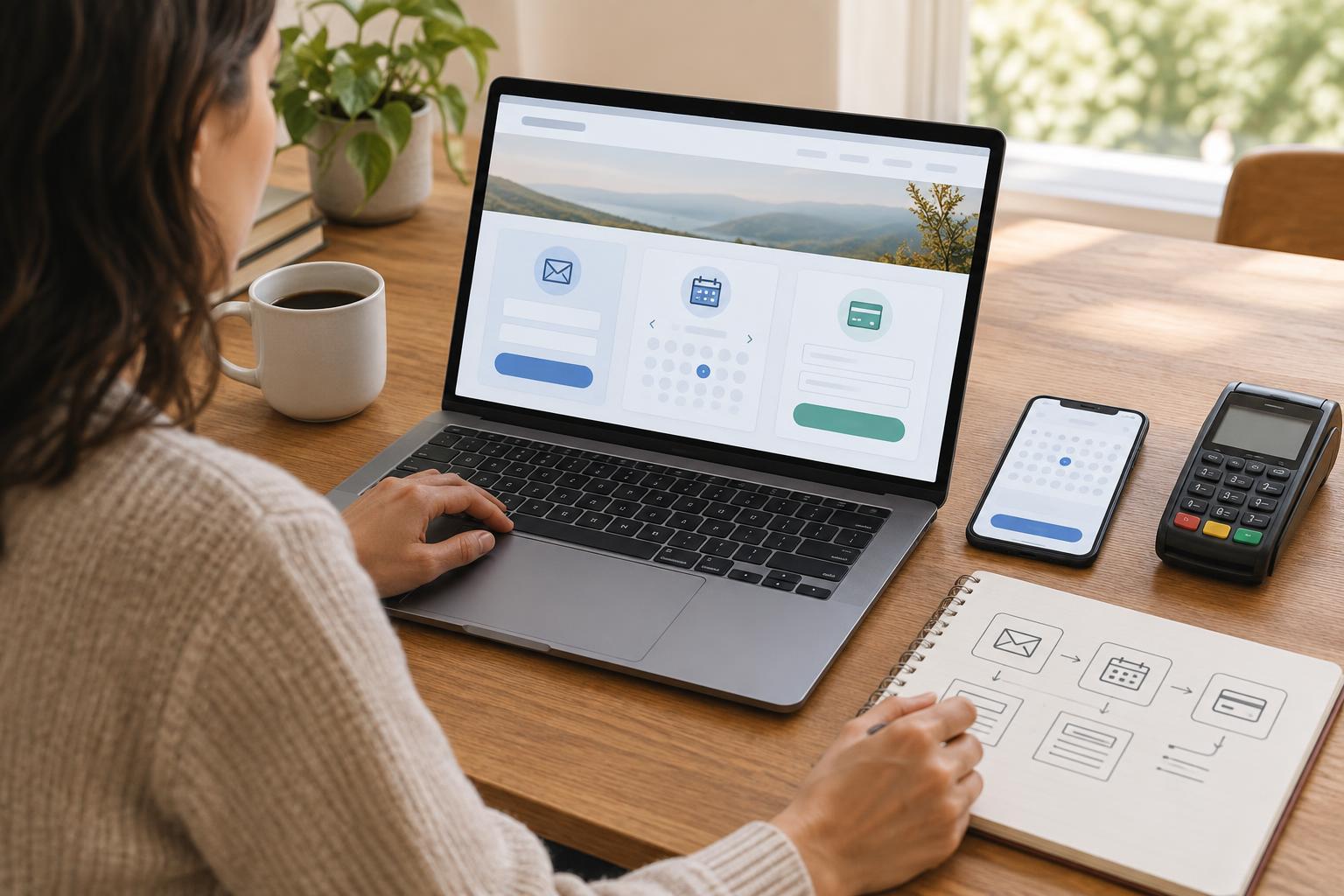
For example, a community workshop might need visitors to find a session, reserve a place, pay if there is a fee, and receive clear joining information. Sketch that journey from the visitor’s first click to the final confirmation. Then note who updates session availability, who answers questions, and what happens if someone cancels. A simple map often reveals that one well-chosen booking tool can handle several steps, while an extra integration would only create more work.
Decide where information belongs
List the information each tool needs and where the authoritative version will live. A booking system may hold appointment times and attendee details; an email platform may hold newsletter preferences; a payment provider may hold transaction records. Avoid copying information between systems unless there is a clear reason. Every extra copy can become outdated and adds another place your team must protect and maintain.
Map each connection in plain language: “When a visitor submits this form, their address goes to this email list,” or “When a booking is completed, the booking tool sends the confirmation.” Decide whether someone should be added to a marketing list separately from receiving essential booking messages. Keep optional subscriptions distinct from the task the visitor came to complete, and explain what people can expect when they provide their details.
Assign an owner for each tool and record which account controls billing, access and settings. If the person who originally set up an integration leaves, the organization should still be able to update it without rebuilding the website.
Choose a connection that fits your website
Common approaches include linking to a hosted tool, embedding a form or booking interface, or connecting systems through a plugin or other automated workflow. A link to a hosted checkout or booking page can be a sensible starting point for a small team: the provider handles the transaction interface, while your website explains what the visitor is about to do. An embedded experience may feel more continuous, but it still needs careful testing on phones, with keyboards and with assistive technology.
Compare options using a short checklist: Does the tool support the steps visitors need? Can staff manage it without a developer for routine changes? Are the costs and account responsibilities clear? Can you export the information you need if you switch tools? Check how visitors return to your site and what they see if they abandon a booking or payment. Aim for a consistent journey, not necessarily one that keeps every step on the same page.
Design the full journey, including errors
Plan the words around an integration as carefully as the connection itself. Tell visitors what they are signing up for, what a booking includes, or when they will leave your site to pay. Use descriptive button labels such as “Book a consultation” rather than “Submit.” Keep forms limited to details needed for the task, mark required fields clearly, and provide errors that explain how to fix a problem.
Test with realistic examples from start to finish. Sign up using a test address and check the welcome message. Make a test booking, change it if that option exists, and confirm that the calendar and notifications agree. Use a provider’s test mode where available to walk through payment and confirmation without making a real purchase. Check a narrow phone screen and a keyboard-only path, including what happens when a form is incomplete or a service is temporarily unavailable. Confirmation pages and messages should state the next step and give people a way to ask for help.
Keep the connections manageable after launch
A working launch is the beginning of maintenance, not the end. Record the purpose of each integration, its account owner, the pages that use it, and a safe way to test it. Give team members only the access they need, use strong unique passwords and available multi-factor authentication, and remove access when roles change. Keep website software and plugins updated, and review integrations you no longer use.
Set a modest review routine. Periodically complete a signup and booking, check that payment links reach the intended destination, and read the messages visitors receive. If you measure performance, choose a few useful signals such as completed bookings or form errors rather than collecting data simply because a tool permits it. When something breaks, a written map of the visitor journey and the responsible systems will help your team find the problem and respond clearly.